Canvas 2D: Draw Effortlessly Without Guessing Coordinates
Feb 16, 2026
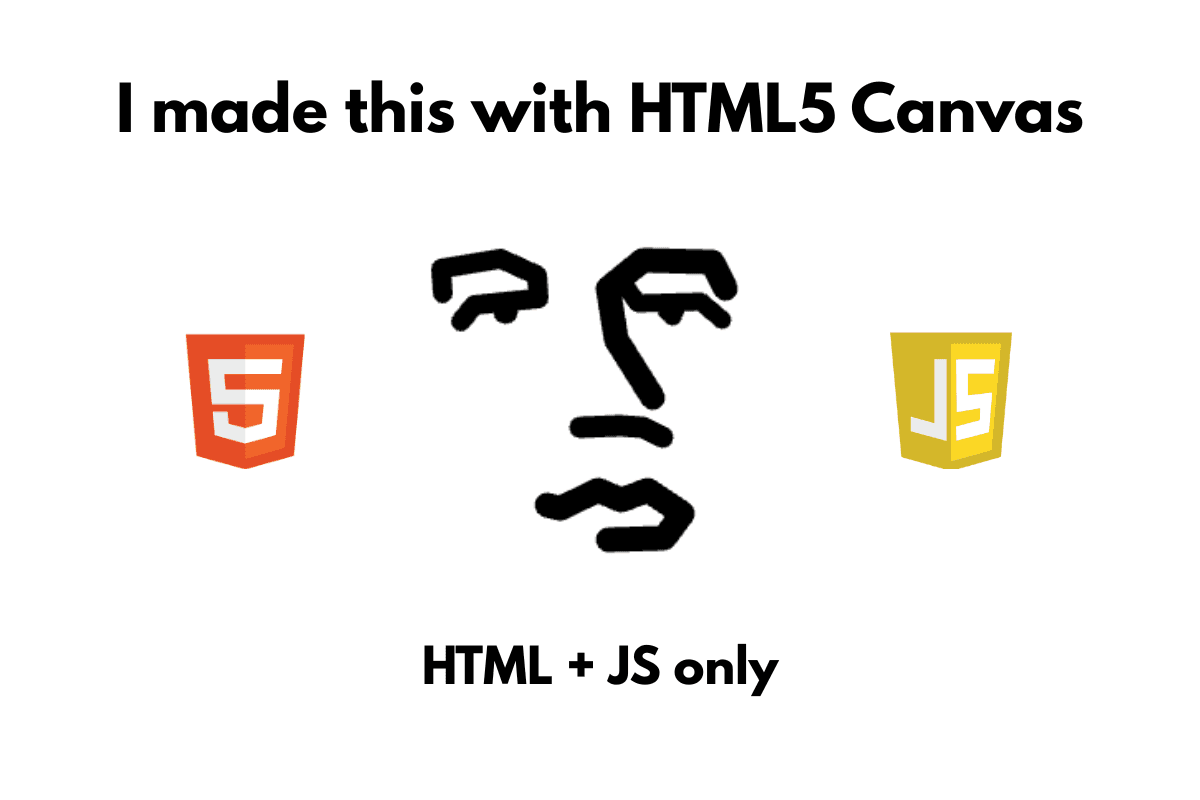
At the end of last semester
Before my final exam, I began reviewing material from my Pemrograman Berbasis Web (Vue) course. Even though I'm technically proficient in this area, I was still curious about what was inside of this thickest book of all. I was almost done reading it and then I began to stuck on a few pages about 2D Canvas. Throughout my career as a developer, HTML Canvas was something I rarely touched. It was rarely came up while i was building ERP dashboard projects. The more I looked into it, the more I realized there was something I could try with Canvas. At least drawing the number 1 would be enough. This led me to something I almost wanted to publish an article about, but I didn't feel quite "ready" yet.
Oalah…
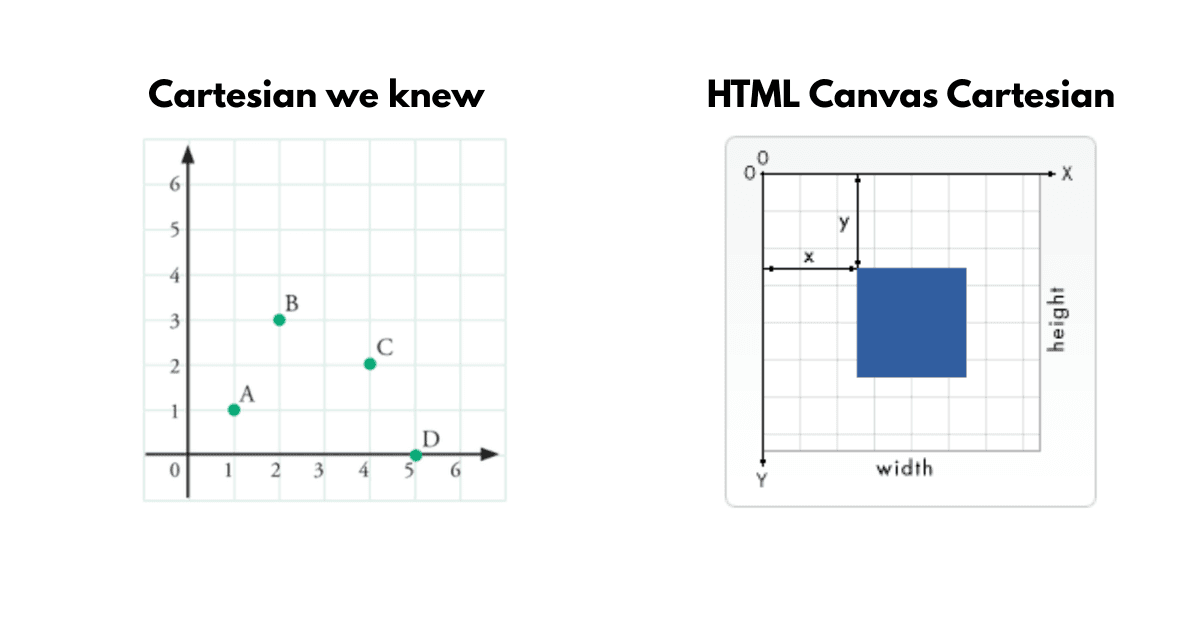
The whole thing started with an "aha!" moment regarding how HTML Canvas uses its own unique Cartesian coordinate system. I started experimenting by drawing a silly cat using calculated lines. Yes, I calculated every point/corner to create a systematic drawing. An example of those early results is actually the icon for this website that you see in your browser tab right now. It was built entirely with HTML and JS only.

This supposed to look like https://i.giphy.com/vPzbDN4rBxuvtpSpzF.webp
Meh
However, I quickly realized those previous experiments involved way too much math. I was basically just tracing an image, yet it felt over-engineered. It shouldn't take three to five hours of manual calculations just to draw a simple black and white image in Canvas.
How to do it better?
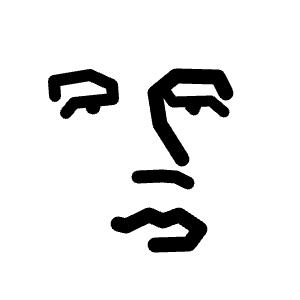
Fast forward a few months, I got the urge to draw a popular meme. It looked easy enough, so I planned to "trace" it the way I would in Ibis Paint: Layer 1 would be the original photo at 50% opacity, and Layer 2 would be my drawing layer. I did a bit of "research" to see if this was even doable, and Google’s AI Overview confirmed it was. My approach was simple: stay with vanilla HTML and JS, using an event listener to track exactly where I was clicking. Whenever I clicked, the console would tell me the precise X and Y coordinates.
Long story short, I opened VS Code, created an HTML file, and started the live HTML server. I used relative and absolute positioning to stack the elements and handled the transparency with some inline CSS. I started clicking along the corners and curves of the image, and the console displayed the coordinates. I adjusted the line thickness. BTW, I found an easy way to make the code more readable and reduce repetition: by creating a list of coordinates for each element (eyes, nose, lips), then looping it. And voila! While it's not quite as close to the original image, the results were better than calculating them mathematically for flexible shapes. Made this in an hour. Once I master the workflow, I'll prolly have more time to cook Indomie than to worry about these coordinates. Live preview can be seen here.
Things I learned:
HTML Canvas uses a unique Cartesian coordinate system.
Hidup Jo- !!